 Menu Planner 2
Made for iPhone Duo
Open it up and Menu Planner 2 spreads out into two columns. Fold it halfway and the app lays itself out around the fold, so nothing you need to read sits on the crease.
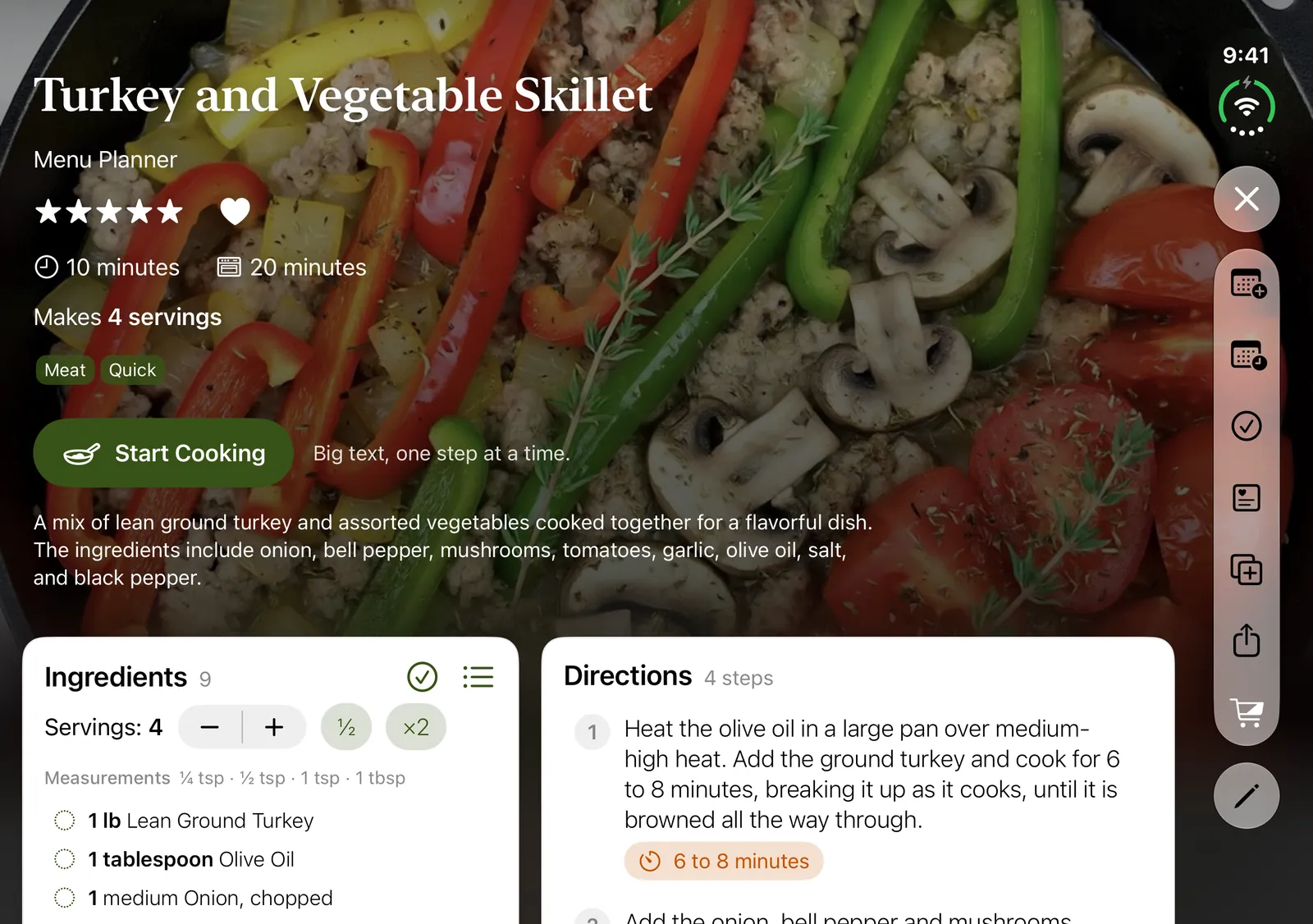
Stand it up while you cook
Half-open and standing on the counter, Cook Mode puts the step you’re reading on the upright half. The ingredients for that step, its timers, and the Back and Next buttons sit on the flat half, right under your hands.
A recipe opens the same way: its photo, its details and Start Cooking stay on the upright half, and the description, ingredients, directions and nutrition scroll on the flat half.
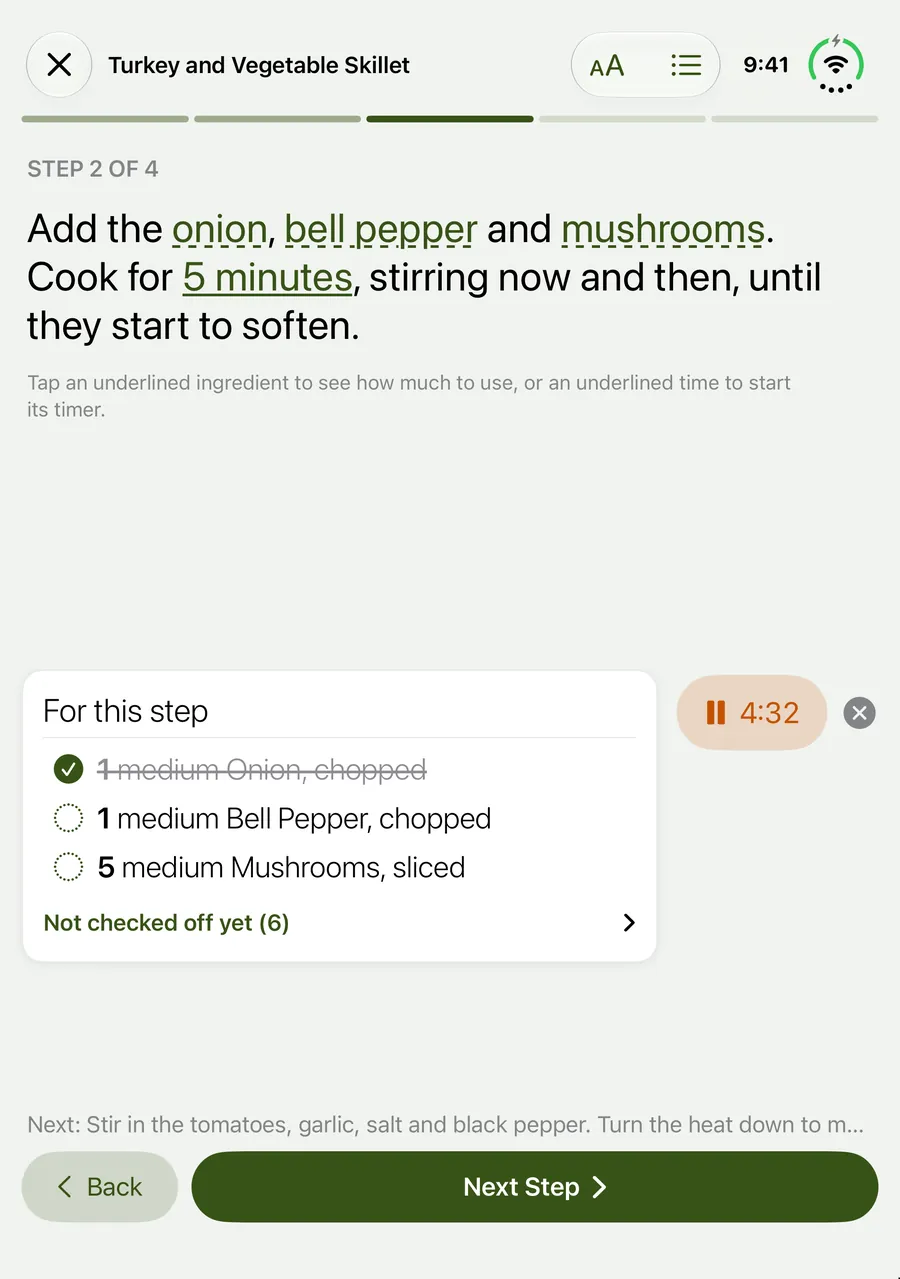
Open: room for everything
Open flat, the inner screen gets the layouts the iPad has: your whole week side by side with each day’s nutrition, recipes with their ingredients and directions in columns, and Cook Mode with the step next to its ingredients and timer.
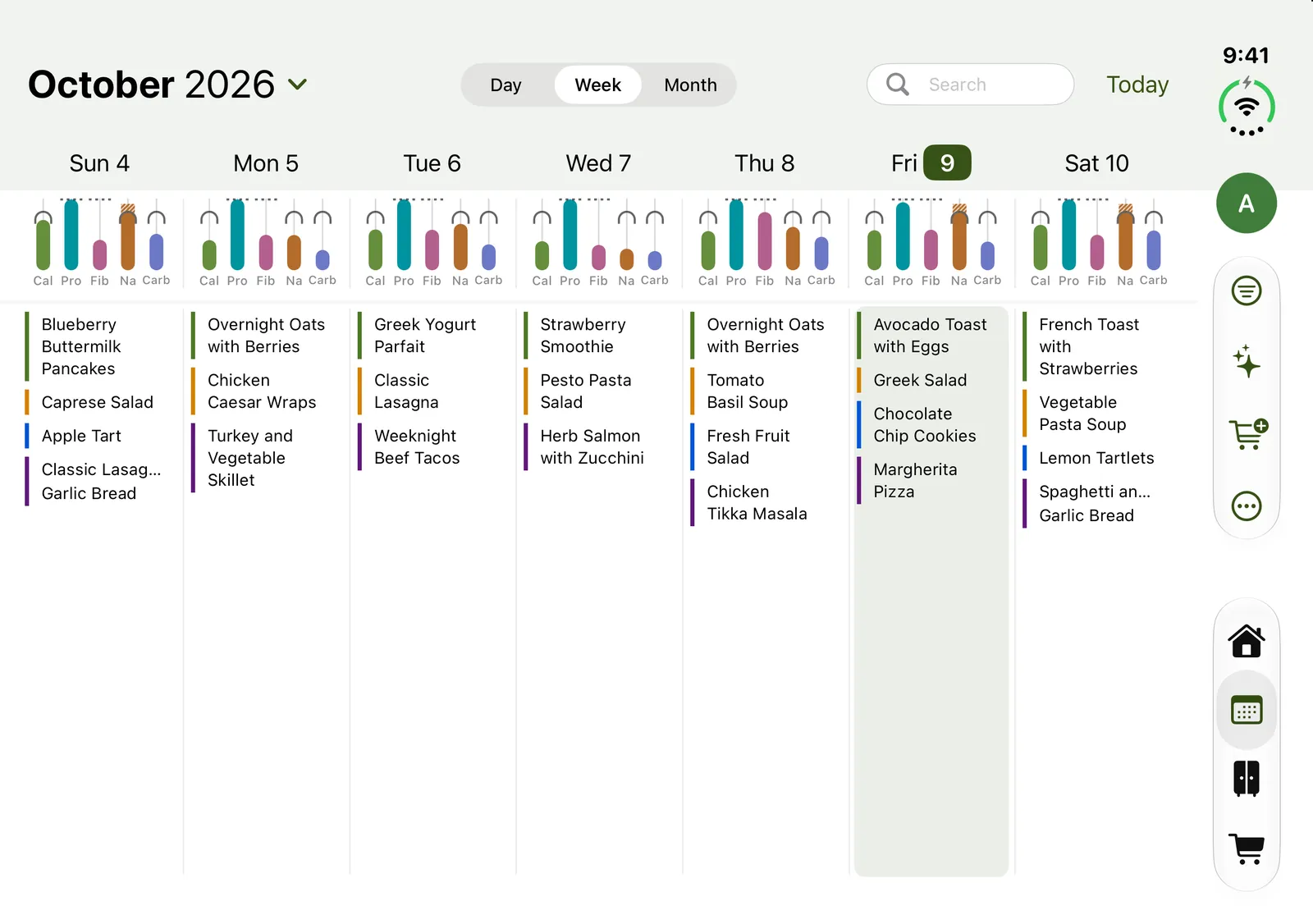
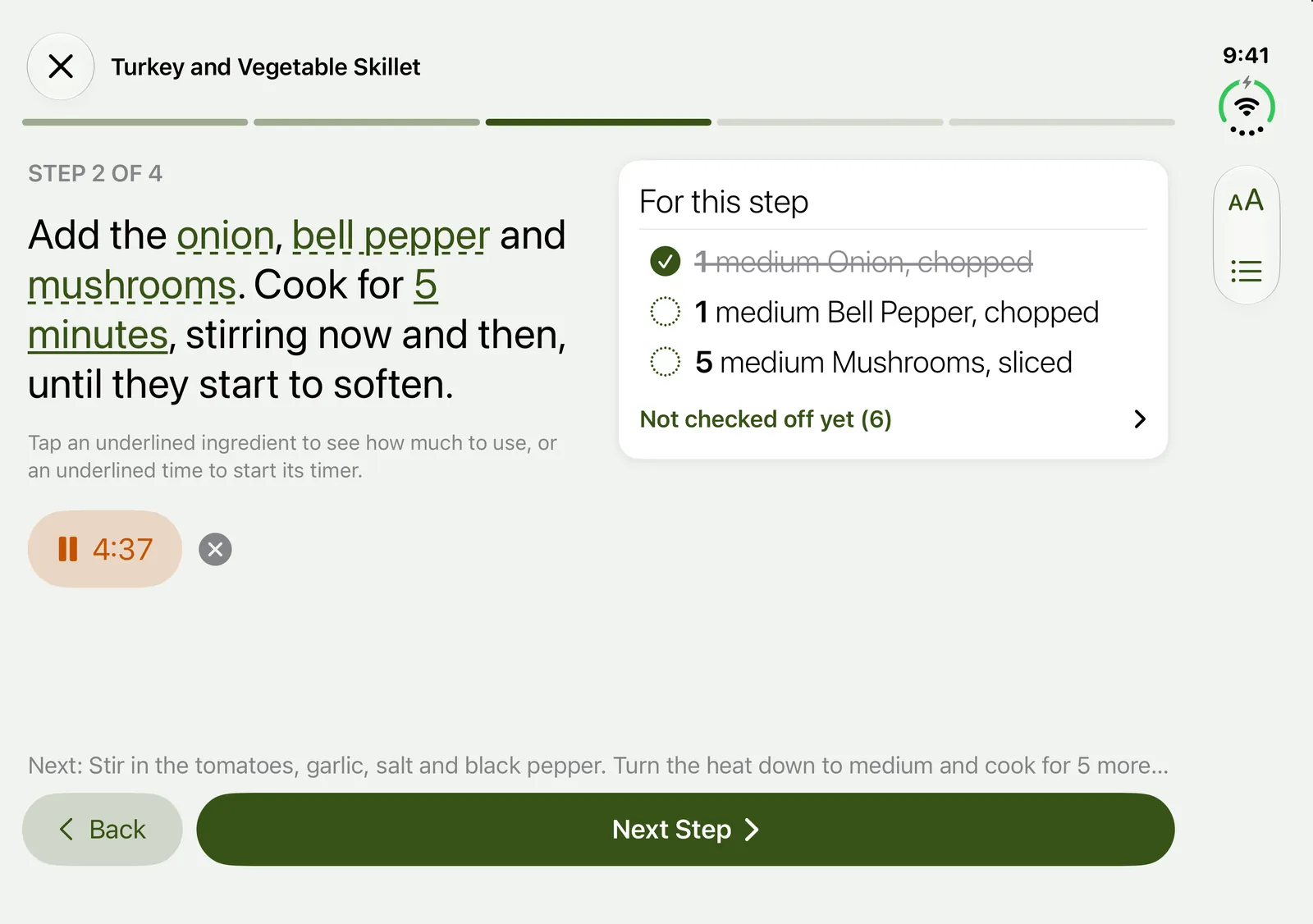
Hold it like a book
Turn it sideways, half-open, and Cook Mode reads like a book: the step on the left page, its ingredients and timers on the right. Back sits under the left page and Next under the right. A recipe’s photo page splits its columns on the crease the same way, so no text lies on the fold.
Closed: the iPhone you know
Closed, Menu Planner 2 works just as it does on any iPhone.
Free on the App Store
One download for iPhone Duo, iPhone and iPad. Plan the week, get one shopping list sorted by your store’s aisles, and cook step by step.